Loved by workers
An awesome UX for the people doing the work

FORMATION is designed for the people on the floor. The app feels familiar, opens instantly, and stays fast even in complex spaces.

Workers can scan a QR Code, search for what they need, and navigate right away. No training or app installs required—just clear, map-first guidance that people enjoy using.
- Map-first UX that feels like a modern consumer app.
- QR Code entry points for instant access.
- Search and navigation that work indoors and outdoors.
World-to-floor mapping
See every site in one connected Map

FORMATION is built around a single Map that spans outdoor and indoor spaces. Zoom from the world view to a campus, down to a building, and into floors and rooms—without losing context.
- Zoom from world view to floor level in one continuous Map.
- Buildings, floors, corridors, rooms, and outdoor zones in one place.
- Easy setup: upload floor plans, scale, rotate, and add walking paths.
See live asset movement
Real-time positions on the Map
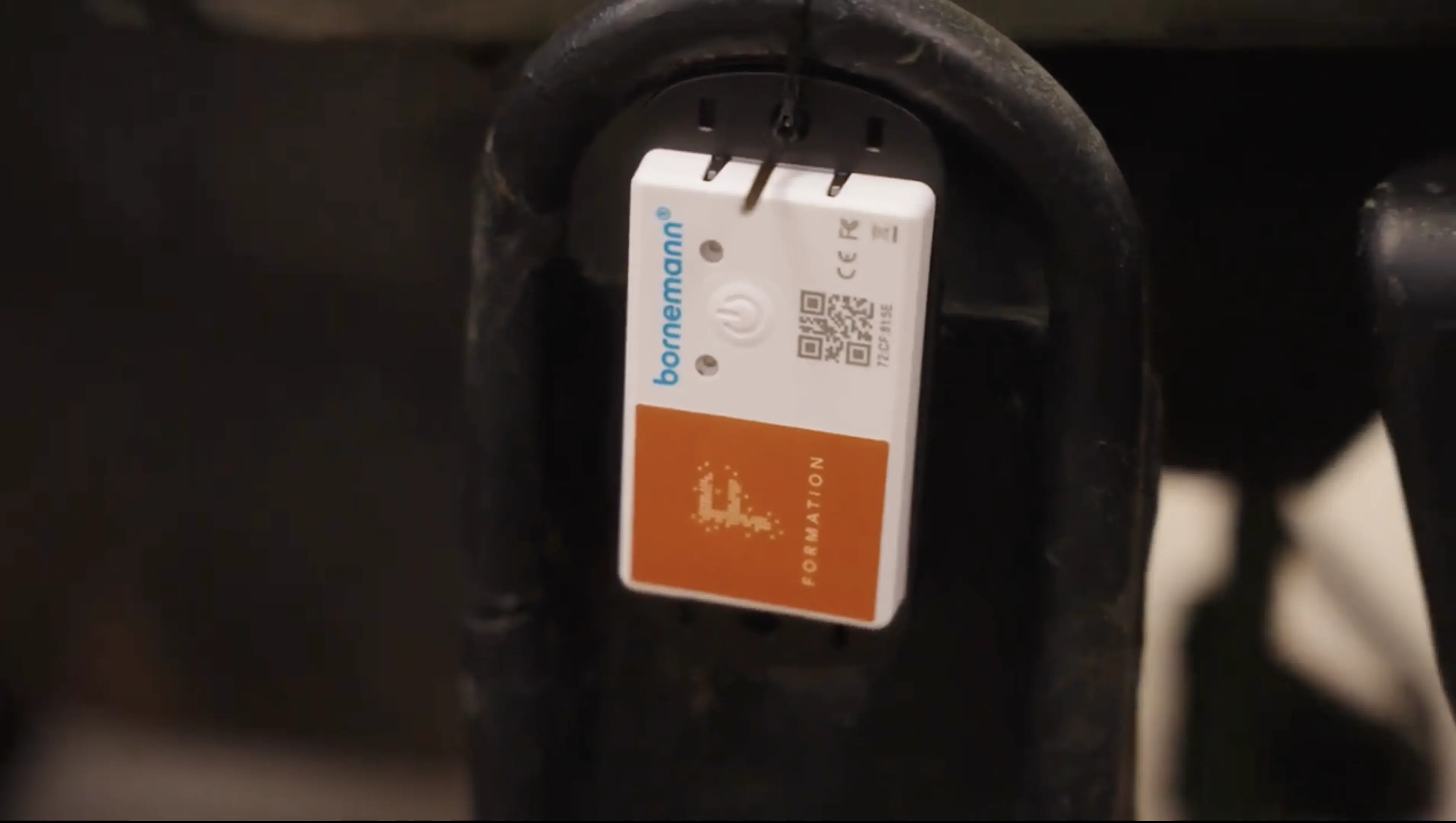
Watch assets move across sites as locations update in real time. Hybrid Tracking blends Passive Tracking and Active Tracking so you can see where things are now without replacing your existing tools.
- Live positions and last-seen status on the Map.
- Use RTLS where you need precision, QR Codes where you need speed.
- Follow movement across buildings, floors, and outdoor zones.
Search & Navigation
Help people find what they need in seconds
Search works the way people expect: type a name, asset, room, or zone and get instant results. Navigation routes users through buildings and sites without requiring any positioning hardware.
- Fast search across assets, people, rooms, and Map Markers.
- Turn-by-turn paths for indoor and outdoor spaces.
- Works on any phone, tablet, or laptop—no extra hardware.
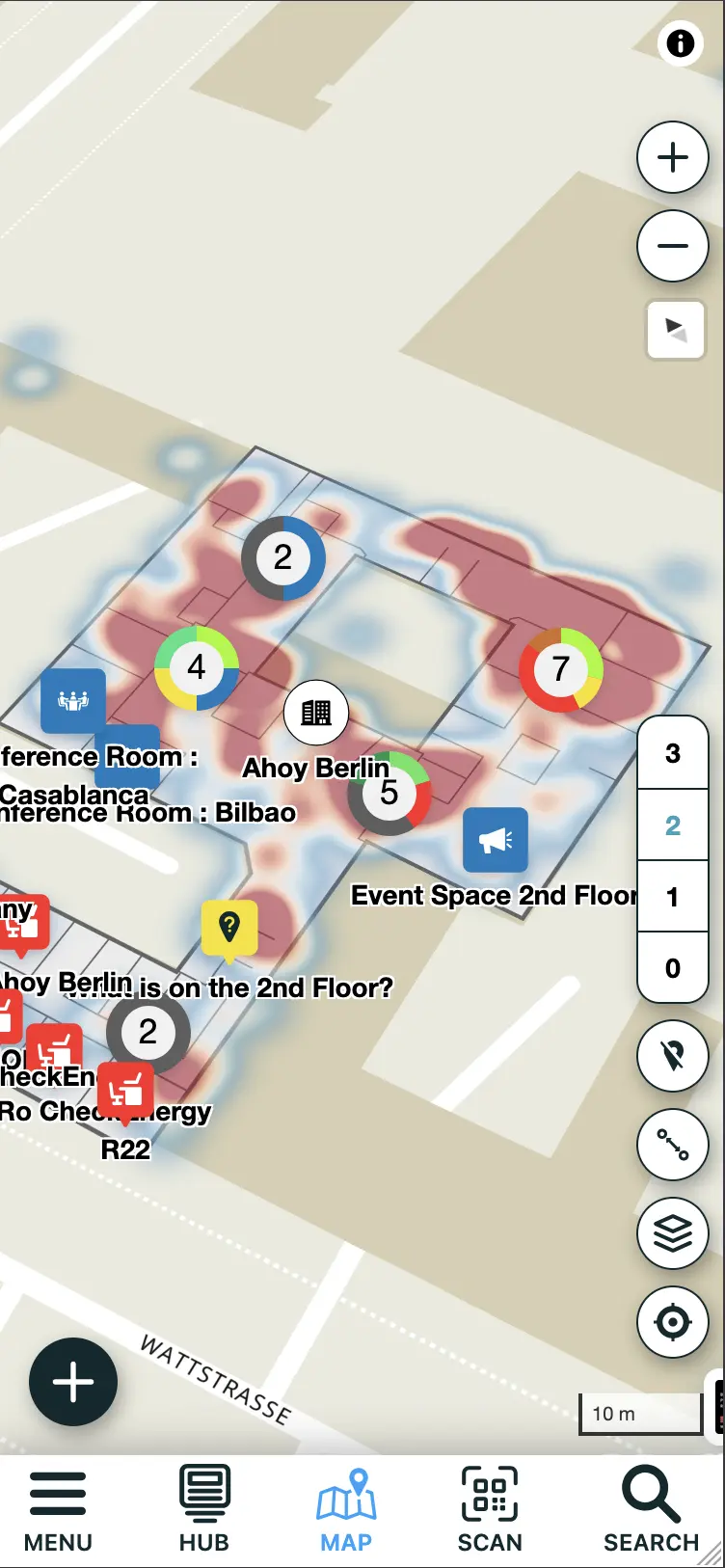
Insights that improve throughput
Dashboards, heatmaps, and path analysis
Dashboards, heatmaps, and path analysis reveal where flow breaks down and where capacity is wasted. FORMATION turns movement data into Insights that teams can act on.
- Heatmaps reveal congestion and under-used areas.
- Path analysis reconstructs how work actually moves.
- Dashboards align operators and management on the same reality.
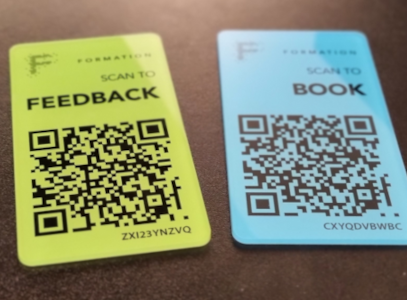
QR Code workflows
Instant access at the point of work
QR Codes connect the physical world to the FORMATION Map. Scan to open the Map where you are, report issues, or trigger tasks without leaving your workflow.
- Open the Map instantly from signage or assets.
- Create issues, feedback, or tasks with a single scan.
- Works without app installs or special hardware.

Integrate & extend
Connect ERP, MES, and IoT
FORMATION integrates with existing systems and data sources to avoid rip-and-replace. Sync locations, status updates, and sensor data through the API and Agent.
- Connect Omlox, MQTT, and other IoT brokers.
- Update objects on the Map with metadata and sensor readings.
- Export data into BI tools for deeper analysis.
Go deeper on the Map
Technical deep dives and background reading